




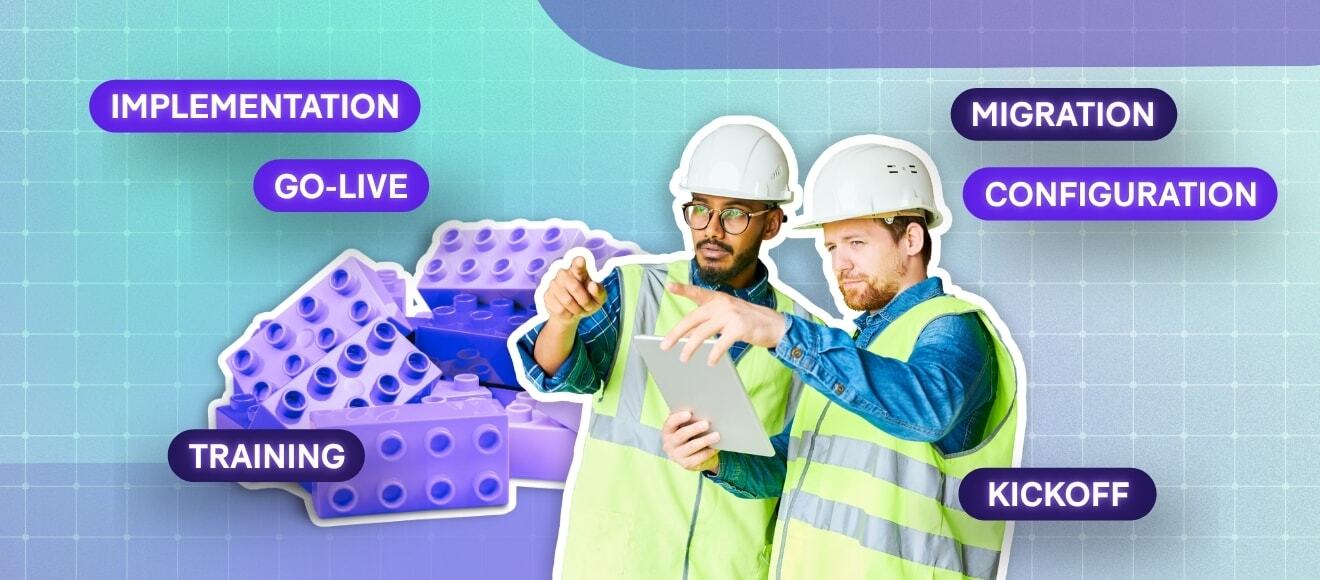


Last Updated:
Change is rarely easy, and that is especially true when you are moving your trial master file (TMF) into new software. If you are planning an eTMF implementation, you probably have the same questions we hear from every clinical operations team: How long will this take? What happens to our existing files? How soon can we get back to normal work?
Here is the answer most vendors bury: a well-planned electronic trial master file (eTMF) implementation typically takes 30 to 60 days, and it can move even faster when timelines are critical. The difference between a fast eTMF implementation and one that drags on for months usually comes down to preparation, not technology.
In this article, we walk through the five steps that consistently separate quick, smooth implementations from slow ones, based on what we have learned guiding hundreds of scaling life sciences teams through the transition.
.png?width=1080&height=441&name=The%20Foundational%20Pillars%20of%20Validation%20-%20Visual%20(1).png)
How long does eTMF implementation take?
For small and scaling sponsors and contract research organizations (CROs), a typical eTMF implementation timeline runs 30 to 60 days from kickoff to go-live. Some implementations are completed in as little as three weeks when timelines are critical. Larger organizations with many active studies, complex integrations, or high volumes of legacy content to migrate should expect two to three months.
Three variables have the biggest influence on your timeline: how much content you need to migrate and how organized it is, how quickly your team can make configuration decisions, and how much time your primary users can dedicate to training before go-live. Every step below is designed to keep those three variables working in your favour.
It is also worth planning with the current regulatory landscape in mind. The ICH E6(R3) Good Clinical Practice guideline raises expectations for sponsor oversight and data governance across the trial lifecycle, and the TMF is where that oversight is evidenced. A well-run implementation is your chance to build those expectations into your process from day one rather than retrofitting them later.
Step 1: Do your homework during vendor selection
Before you begin eTMF implementation, know what to expect from the process. Ask your candidate vendors direct questions during selection:
- How long does implementation take for an organization our size?
- What does the training program look like, and how long does it run?
- How much time will our internal team need to commit each week?
- How soon after kickoff can we start working in the system?
A vendor who has done this many times will give you specific answers, a realistic project plan, and references from organizations like yours. Vague answers about timelines during the sales process often translate into vague timelines during implementation.
Related article: What is eTMF software? And does my organization need to implement one?
Step 2: Designate an internal implementation team
Every implementation needs a dedicated project manager to act as the primary point of contact between your organization and the eTMF vendor. Your project manager owns project decisions, coordinates documentation, and tracks progress against the plan. Without a single accountable owner, decisions stall, and stalled decisions are the most common reason timelines slip.
When dealing with enterprise software, it is also good practice to designate a technical lead. This is usually someone from your internal IT team (or your outsourced IT partner) who can weigh in on technical decisions like single sign-on, security review, and system integrations.
Your third essential role is an internal champion. It is human nature to be skeptical of change, and a champion generates internal momentum and helps colleagues through the adjustment. Process owners and key stakeholders often grow into this role naturally, especially if you involve them early: inviting your proposed implementation team to sit in on vendor demos and selection calls builds understanding and buy-in before the project even starts.
Make openness to change part of the team's mandate
A positive, open mindset moves the process forward faster. Teams that approach the new system with curiosity and help build the business case rather than resist it reach routine day-to-day use much sooner. The faster your new process becomes routine, the faster the implementation pays for itself.
Related article: Managing trial documents from start to finish in an eTMF application
Step 3: Don't copy your paper process into the eTMF
A good eTMF system is built around automated workflows and document lifecycle management. Your TMF content will end up filed in the same artifact locations it would on paper, but the process it follows to get there should not be the same. Organizations that recreate their paper process step-by-step in the new system add workflow stages they no longer need, and every unnecessary stage slows both implementation and daily operations afterward.
Signatures are the clearest example. On paper, teams sign at every step to demonstrate action and comply with applicable regulations. An eTMF system automatically tracks ownership, timestamps, and who performed each action in an audit trail, and where signatures are still required, electronic signatures compliant with FDA 21 CFR Part 11 replace wet ink. Many signature steps in a paper process exist only because paper cannot track anything on its own.
This is also where ICH E6(R3)'s emphasis on risk-proportionate processes works in your favour: the guideline encourages sponsors to design quality into processes and focus their efforts on what matters for participant safety and data reliability, rather than replicating legacy busywork.
Step 4: Train primary users before go-live
Once the eTMF system is configured to your organizational needs, training determines how quickly your team becomes productive. Without proper training, you leave your team with a powerful system and no confidence to use it, and hesitant users fall back on old habits like filing documents on shared drives.
Train your primary users well before go-live, not after. When your primary users are confident in the system from day one, they can spread that knowledge to other key users and departmental groups through a train-the-trainer approach. This matters in practice because not everyone will be able to attend the vendor's live training sessions, and internal trainers who understand both the system and your processes are the best safety net.
Step 5: Prepare your content for a smooth TMF migration
When first implementing an eTMF system, you will likely need to migrate existing studies and TMF files from hard copy, file shares, or a legacy system. Migration is the single biggest variable in your eTMF implementation timeline, and it is also the one you can influence most before the project starts.
A smooth TMF migration starts with preparation. Inventory the content that needs to move, agree on file naming conventions, and map your existing filing structure to the TMF Reference Model structure you will use in the new system. Content that arrives organized migrates quickly and files cleanly; content scattered across drives, inboxes, and binders is where migrations lose weeks and budgets grow. Doing this preparation in advance means you can begin using the eTMF system almost immediately after go-live.
Related article: Asked and answered: the TMF migration question
Your fast eTMF implementation checklist
|
Step |
What to do |
When |
|
1. Do your homework |
Ask vendors for specific timelines, training plans, and effort estimates |
During vendor selection |
|
2. Build your team |
Name a project manager, technical lead, and internal champion |
Before kickoff |
|
3. Adapt your process |
Map paper steps to system workflows and remove redundant signature steps |
During configuration |
|
4. Train primary users |
Complete training before go-live and plan a train-the-trainer rollout |
Two or more weeks before go-live |
|
5. Prepare for migration |
Inventory content, set naming conventions, map to the TMF Reference Model |
Before and during implementation |
What comes after implementation
Go-live is a milestone, not the finish line. Once your eTMF is running, your process needs the documentation to support it: standard operating procedures (SOPs), work instructions, an eTMF plan, and business rules. We cover all four in the must-have templates for managing TMF in-house.
The fears that surround an eTMF implementation tend to fade quickly once the team is working in the system. What remains is a faster, more transparent way to manage your trial story, and a TMF you can stand behind in any inspection.
If you are planning a move to an eTMF and want a realistic picture of what your timeline could look like, book a demo with our team. We will walk you through the eTMF Connect implementation process and show you what fast looks like without cutting corners.
Frequently asked questions
How fast can an eTMF be implemented?
For small and scaling teams, a typical eTMF implementation takes 30 to 60 days from kickoff to go-live. With focused preparation and an experienced vendor, implementations have been completed in as little as three weeks.
What slows down eTMF implementation the most?
Unprepared migration content is the most common cause of delay. Content scattered across file shares, email, and paper takes far longer to inventory, index, and migrate than content that has been organized and mapped to the TMF Reference Model in advance. Slow internal decision-making is a close second.
Do we need dedicated IT resources to implement an eTMF?
For a cloud-based eTMF, no dedicated IT staff is required. A technical lead (internal or outsourced) is helpful for decisions on access, security review, and integrations during implementation, but day-to-day administration does not require an IT background.
How should we prepare for TMF migration?
Start before the implementation project begins: inventory the studies and documents that need to be moved, agree on naming conventions, and map your current structure to the TMF Reference Model. The more organized your content is on day one, the faster and cheaper your migration will be.
.png?width=2400&height=800&name=prod%20showcase%20may2026%20(3).png)
.jpg)

-1.png)
.jpg)

%20is%20to%20make%20%23Quality%20an%20operating%20principle%20in%20your%20organization.png)
%20Sections%203.9%20and%203.10%20What%20They%20Mean%20for%20Modern%20TMF%20Management%20-%20Cover.jpg)